 SherTrack
Your family, always close.
See where your loved ones are on one live map and get a heads-up the moment they arrive home, at school or at work.
Everything a busy family needs
Simple, calm and private. SherTrack does the checking so you don't have to text "where are you?" ten times a day.
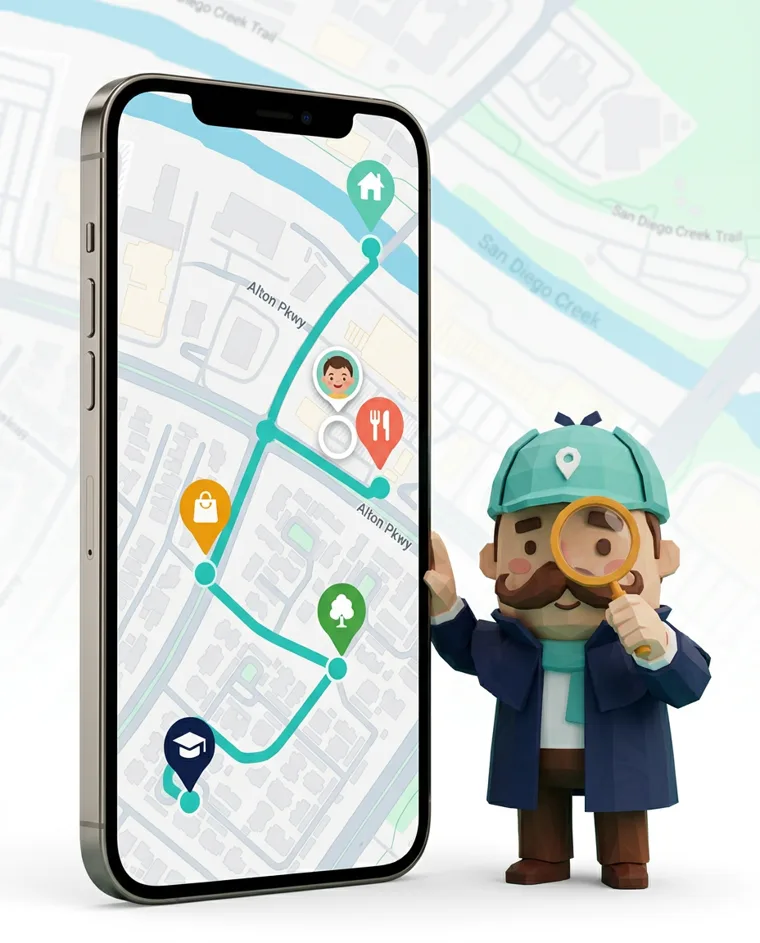
Live family map
Everyone in your Circle on one map, updated in real time.
Arrival & departure alerts
Know the moment your kids get to school or your partner gets home.
iPhone & Android
One Circle for every phone in the house, whatever the brand.
Private by design
Locations are shared only with people who accept your invite. No ads, we never sell your data.
How it works
Set up your family Circle in under a minute.
Enter a phone number
Type the number of a family member or pick it from your contacts.
They accept your invite
They get a link, install SherTrack and choose to share their location with you.
See them on the map
Their location appears on your map and you get alerts for places you set, like Home or School.
Your family's friendly little detective
Sher keeps an eye on the map so you can get on with your day. When your daughter reaches school or your dad gets home, Sher lets you know.
- Calm notifications, never spammy
- Battery-friendly location updates
- Works in the background, even when the app is closed
Built on trust, not tracking
SherTrack only works when both people agree. Every member can see who is in their Circle, pause sharing or leave at any time.
- Mutual opt-in for every member
- Clear in-app indicator while sharing is on
- Delete your account and data whenever you want
Questions
Can I locate someone with just their phone number?
You enter their number to send an invite. Their location appears only after they install SherTrack and accept. Nobody can be located without their consent.
Does it work between iPhone and Android?
Yes. Family members can use any mix of iPhone and Android phones in the same Circle.
Will it drain my battery?
SherTrack uses the phone's battery-saving location services and only updates more often when someone is on the move.
How do I cancel my subscription?
Subscriptions are managed by Apple or Google. Cancel anytime in your App Store or Google Play subscription settings. More help